Video Studio
Scroll-stopping Reels, made with AI.
Turn a short brief into a vertical Reel up to 60 seconds, with AI scenes, voice-over and music in your brand’s style. Review every scene before it posts.
Start free trial →See all features- 14-day free trial
- No charge today
- Cancel anytime
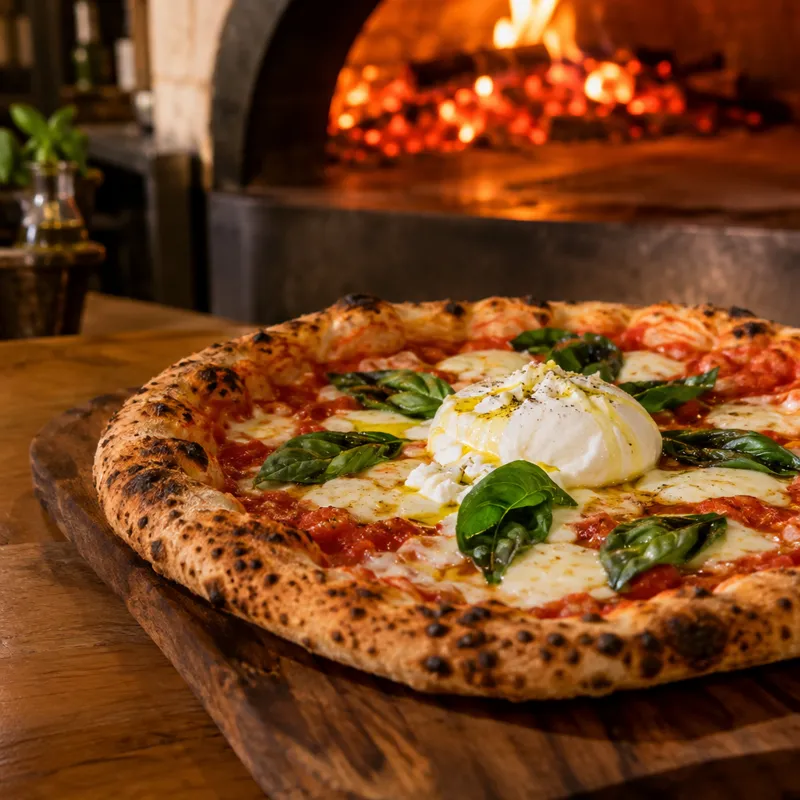

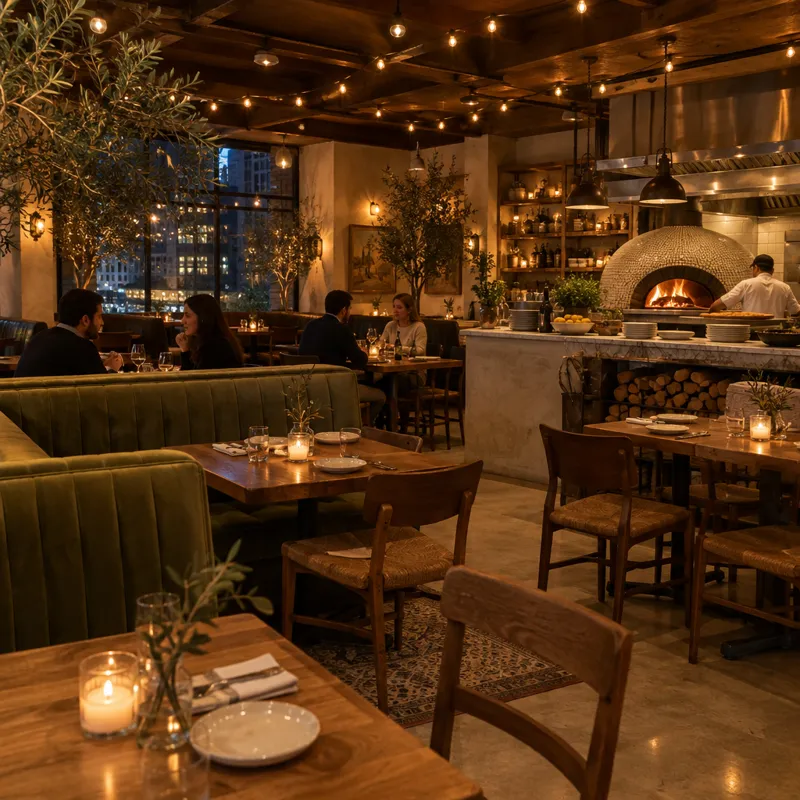 Hook
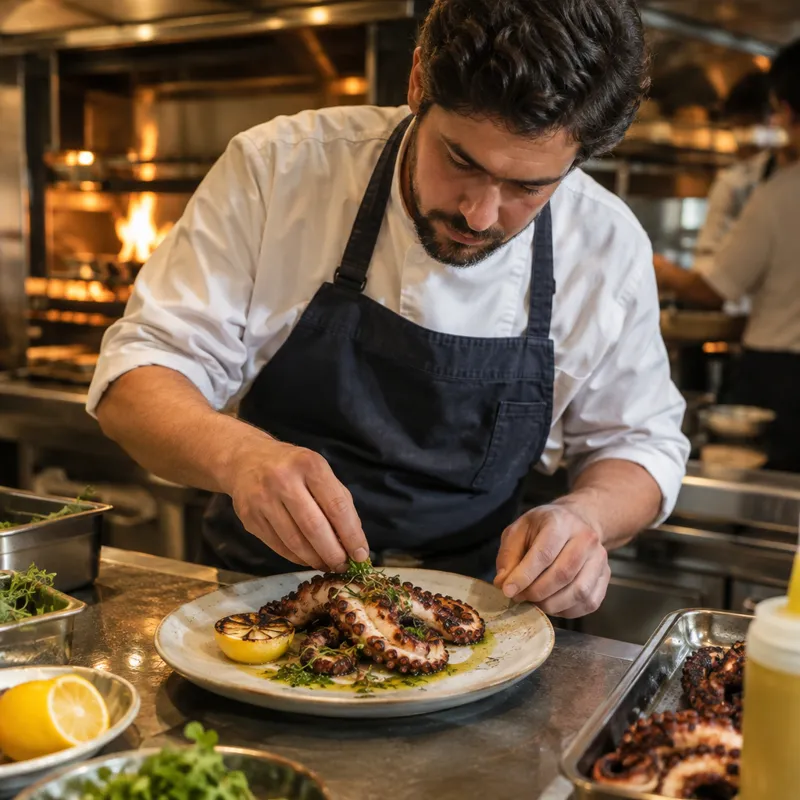 Kitchen
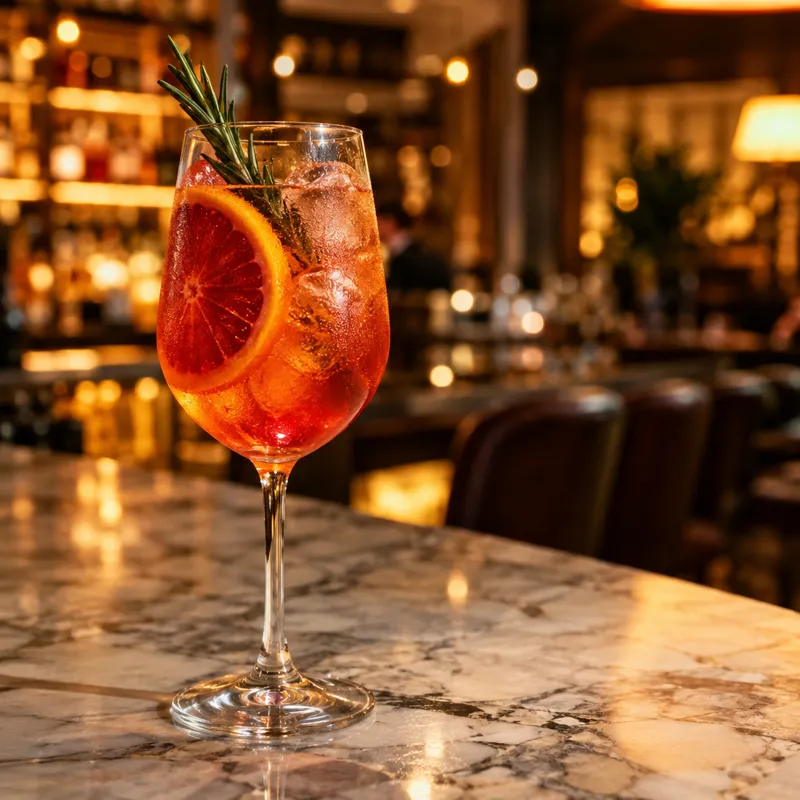 Drinks
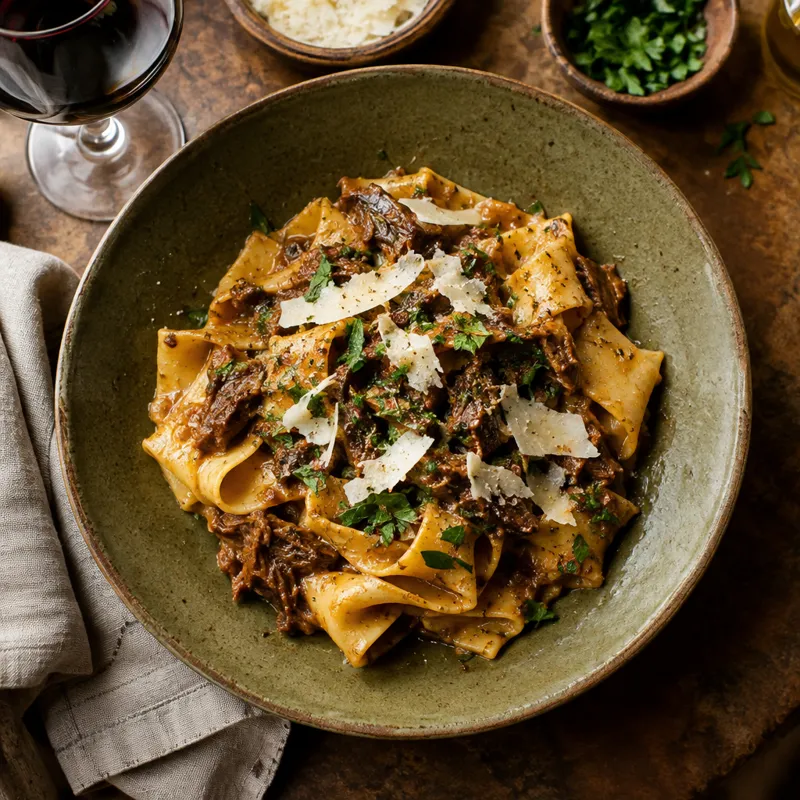 Book now
Video Artist
Tell it the idea. It plans the Reel.
Write a short brief and the Video Artist writes the script, plans every scene and shot and picks the music. It checks its own work against your brief and shows you the cost before it makes anything.
- Script, scenes and shot plan
- Hooks that stop the scroll
- Checks its work against your brief
- Cost shown before anything is made
Product videos
Turn a product into a Reel.
Paste a product page or add up to four photos. HyperGL reads the details and makes Reels around your product, so you can test different angles.
- Start from a product page or photos
- Product details read for you
- Several versions to test
- Your real product in every Reel

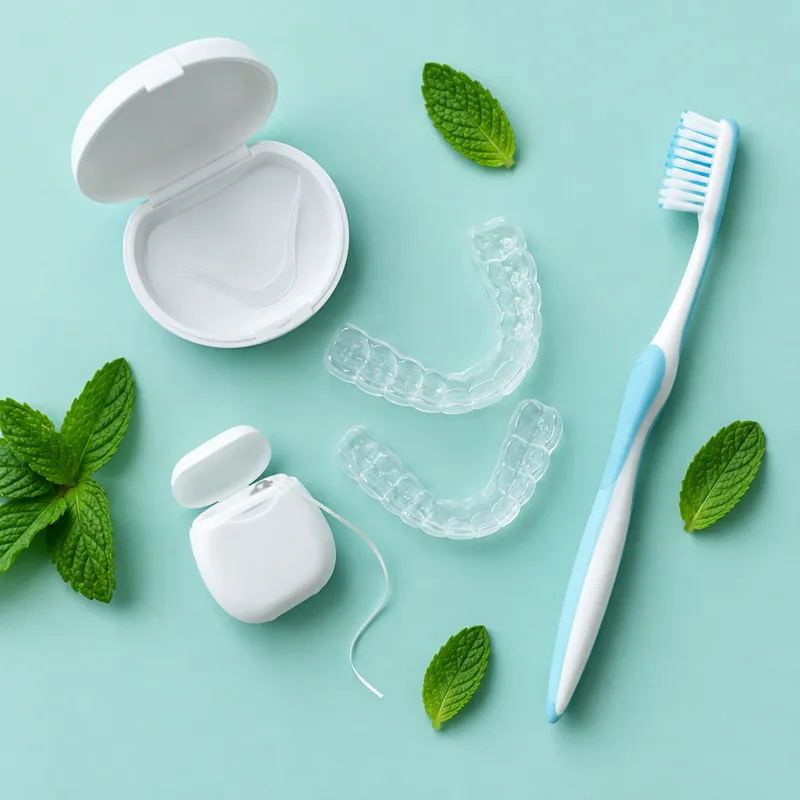 Spring whitening kit


Styles & templates
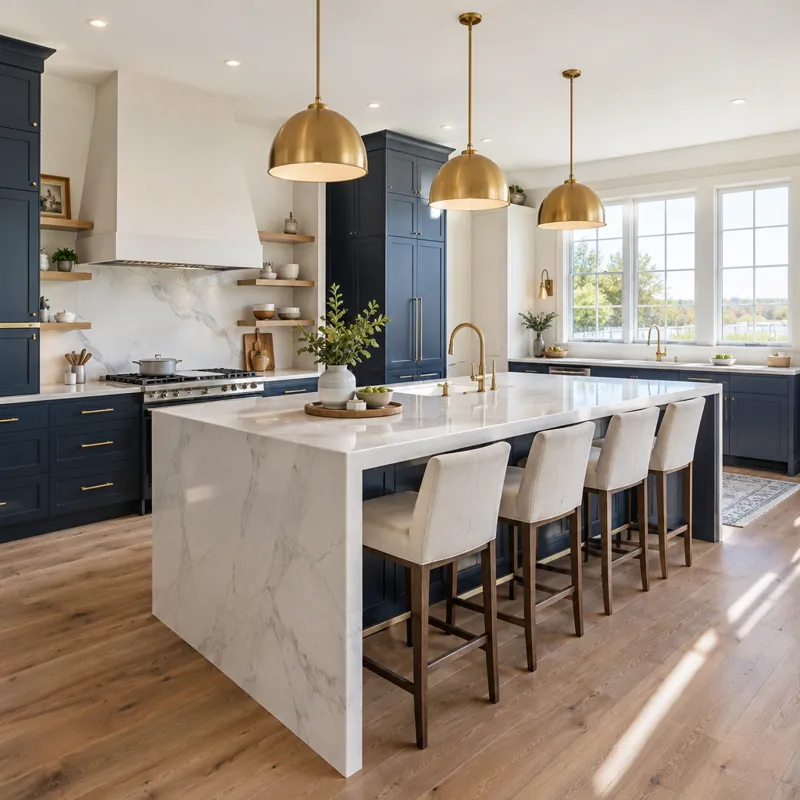
Your look, every time.
Start from ready-made styles and templates, or save any Reel as your own style. Your brand colors, fonts and logo come along every time.
- Ready-made styles and templates
- Save any Reel as your style
- Brand colors, fonts and logo
- A consistent look across Reels

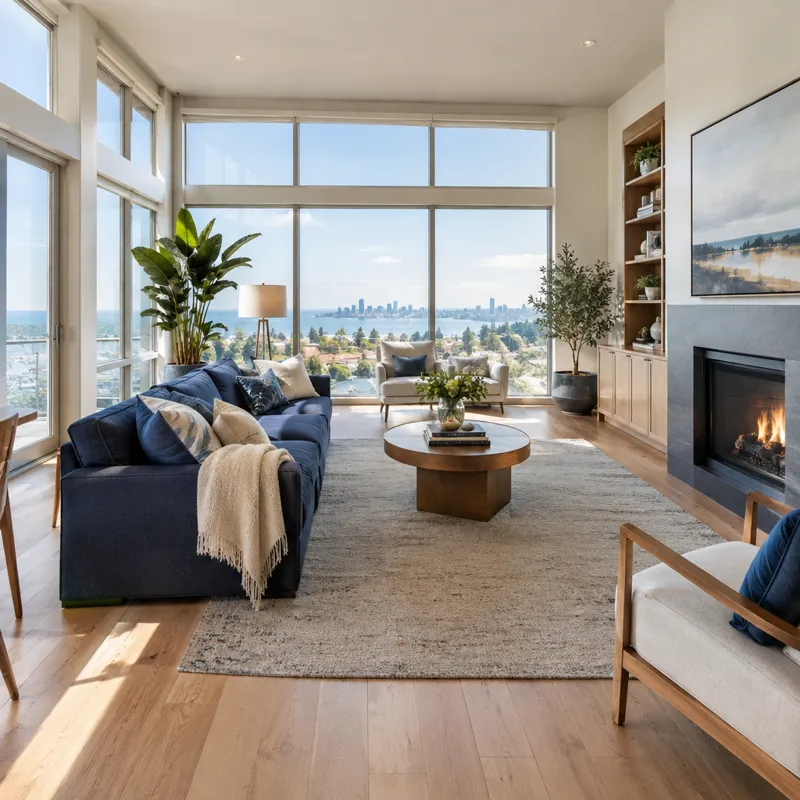
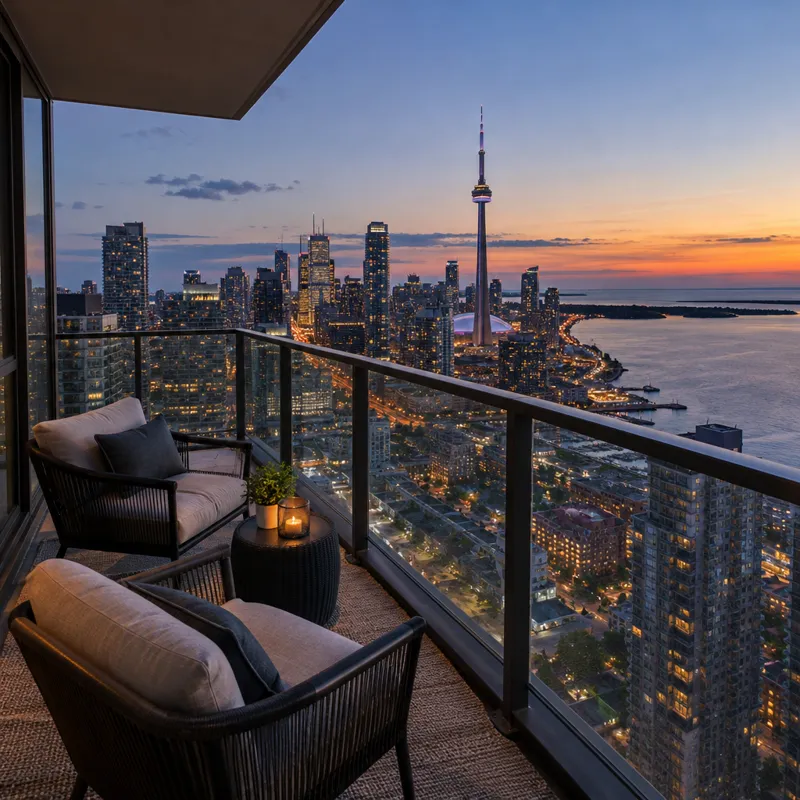

Voice & music
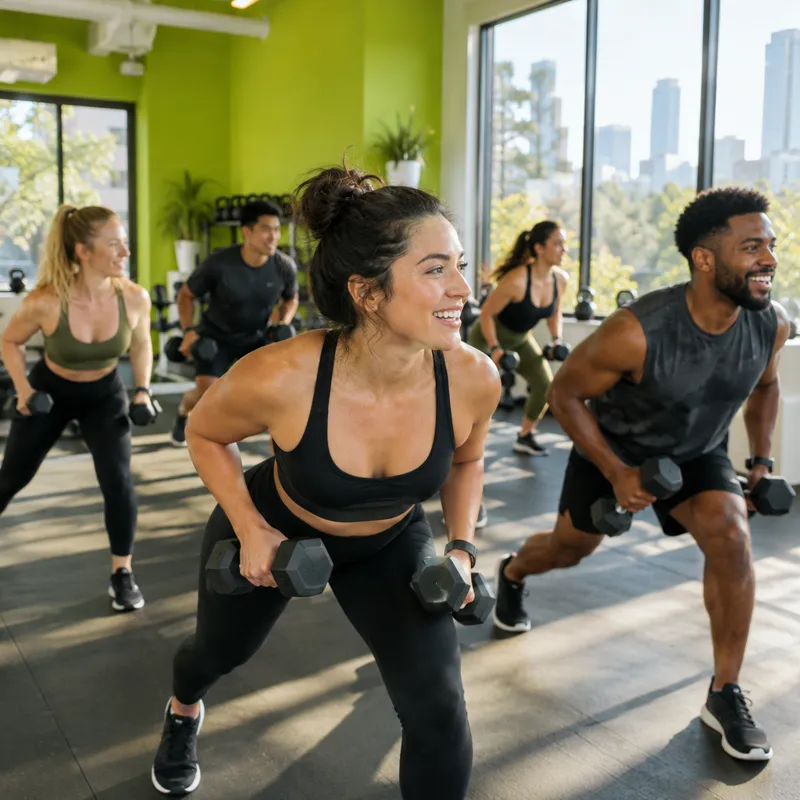
Voice-over and music, built in.
Pick an AI voice that fits your brand and get music made for each Reel. Subtitles are timed to the voice, so your Reel works with the sound off.
- Natural AI voices
- AI music made for each Reel
- Subtitles timed to the voice
- Fits the length of your Reel

Editor & review
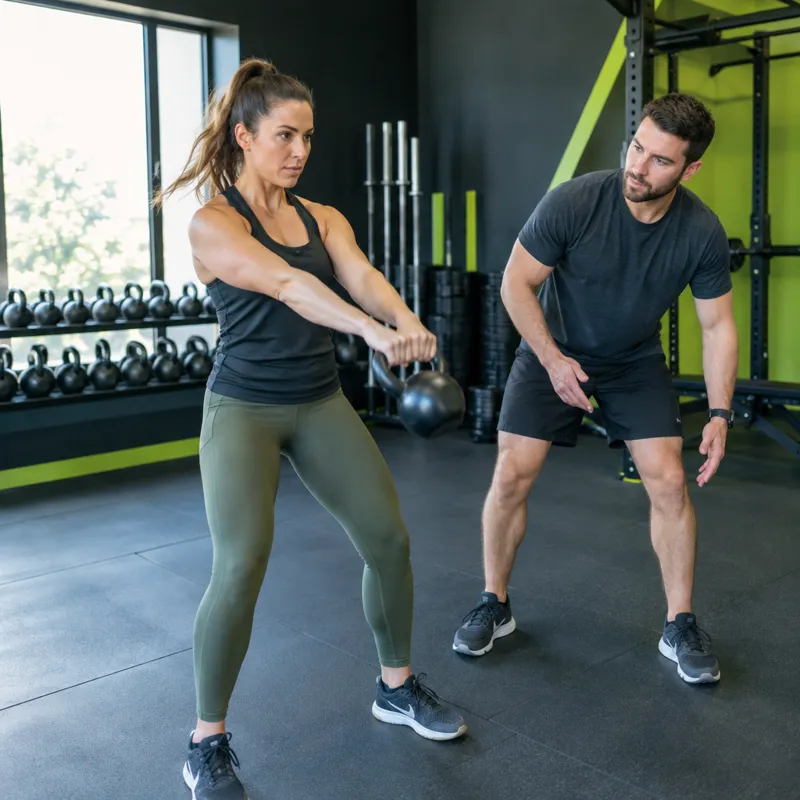
Fine-tune it, then post it.
Trim, reorder and swap scenes, change text and timing, then approve. HyperGL writes the post caption and hooks, and schedules the Reel with your other posts.
- Edit scenes, text and timing
- Post caption and hooks written for you
- Review before anything posts
- Schedule to Instagram, TikTok and Facebook
 0:00
 0:15
 0:19
Everything in one place
Everything you need to make Reels.
From the first idea to the scheduled post, in one place.
Video Artist
Plans the script, scenes and music.
Product videos
Reels from a product page or photos.
AI scenes
Scenes made for your brand.
Styles
Ready-made looks, or save your own.
Templates
Start from a proven format.
Voice-over
Natural AI voices with subtitles.
AI music
Music made for each Reel.
Editor
Trim, reorder and swap scenes.
Keep exploring
Works even better together.
Make the Reel, then plan, approve and publish it.
FAQ
Questions, answered.
Quick answers about Video Studio.
How long can Reels be?
Up to 60 seconds, in vertical 9:16, made for Instagram Reels, TikTok and Facebook Reels.
Does Video Studio cost extra?
No. Every plan includes Video Studio and a monthly allowance of render minutes. AI scenes, voice-over and music use AI credits from your plan, and the cost is shown before anything is made.
Can I use my own photos and products?
Yes. Add product photos or paste a product page, and HyperGL builds Reels around your real product. Your brand kit and Asset Library are there too.
Can I edit the Reel before it posts?
Yes. Trim, reorder and swap scenes, change the text and timing, then approve. Nothing posts until you do.
Is there a free trial?
Yes, 14 days with Video Studio included. A card is needed to start, there is no charge today, and you can cancel any time before billing.
Try it free for 14 days.
A card is needed to start. There is no charge today, and you can cancel any time before billing.
Start free trial →Talk to us