Social media marketing for businesses: the complete guide
Social media marketing for businesses is the steady work of showing the right people what you do, often enough that they think of you when they need it. This guide covers the six things that make it work — choosing networks, deciding what to post, keeping a rhythm, answering people, using paid posts carefully, and measuring the result — in the order to do them, with no agency or big budget assumed.

In this guide · 11 parts
- What does social media marketing mean for a business?
- Pick two networks, not five
- Decide what to post before you need to
- Keep a rhythm you can actually keep
- Answer people quickly
- Use paid posts carefully
- Measure what moves the business
- A simple weekly plan you can copy
- How often should a business post on social media?
- Where software helps — and where it does not
- Social media for businesses, answered
What does social media marketing mean for a business?
For a business, social media marketing is not about going viral. It is about being findable, looking active and trustworthy when someone checks you out, and staying in front of people who already know you so they come back. Most customers look at your profile before they call, book or buy — the job is to make that look worth their time.
That changes what “good” looks like. A bakery with a steady feed of today’s bakes and quick replies to questions will out-earn one with a single viral video and an inbox nobody reads. What follows is the version that works for a real business with a real week: six steps, each worth doing on its own.
Pick two networks, not five
The most common mistake is opening an account everywhere and posting nowhere. An empty profile does more harm than no profile, because it suggests the business is closed or careless. Start with two networks and add a third only when the first two run on a habit.
Match the network to the customer
- Facebook: still where many local customers check opening hours, read reviews and message a business. Strong for local services, restaurants, clinics and events. New to it? Here’s how to create a Facebook business Page.
- Instagram: anything that looks good — food, fitness, beauty, homes, products. Reels and Stories reach new people; the grid is your shop window.
- LinkedIn: selling to other businesses, hiring, and anything where the founder’s voice builds trust.
- TikTok: short, real, behind-the-scenes video. Rewards personality over polish, and reaches people who have never heard of you.
Do this now: ask your last ten customers where they first saw you or where they would look you up. Their answers pick your two networks better than any trend report.
Decide what to post before you need to
Running out of ideas is the real reason most business accounts go quiet. The fix is a simple mix you rotate, so each week already has a shape before you open the app.
Show
What you make, sell or do, as it happens: today’s special, a finished job, a new arrival, a class in full swing. This is the easiest content to make and the most useful to a customer deciding whether to visit.
Teach
One useful thing your customers wish they knew: how to care for what they bought, what to ask before hiring someone like you, the mistake you fix most often. Teaching posts get saved and shared, which is how new people find you.
Prove
Reviews, before-and-after shots, a customer’s own post (with their permission), a result you achieved. Proof is what turns “looks nice” into “I’ll book.”
Add the occasional behind the scenes post — the team, the setup, the 6 a.m. start. People buy from people, and this is the content competitors rarely bother with.
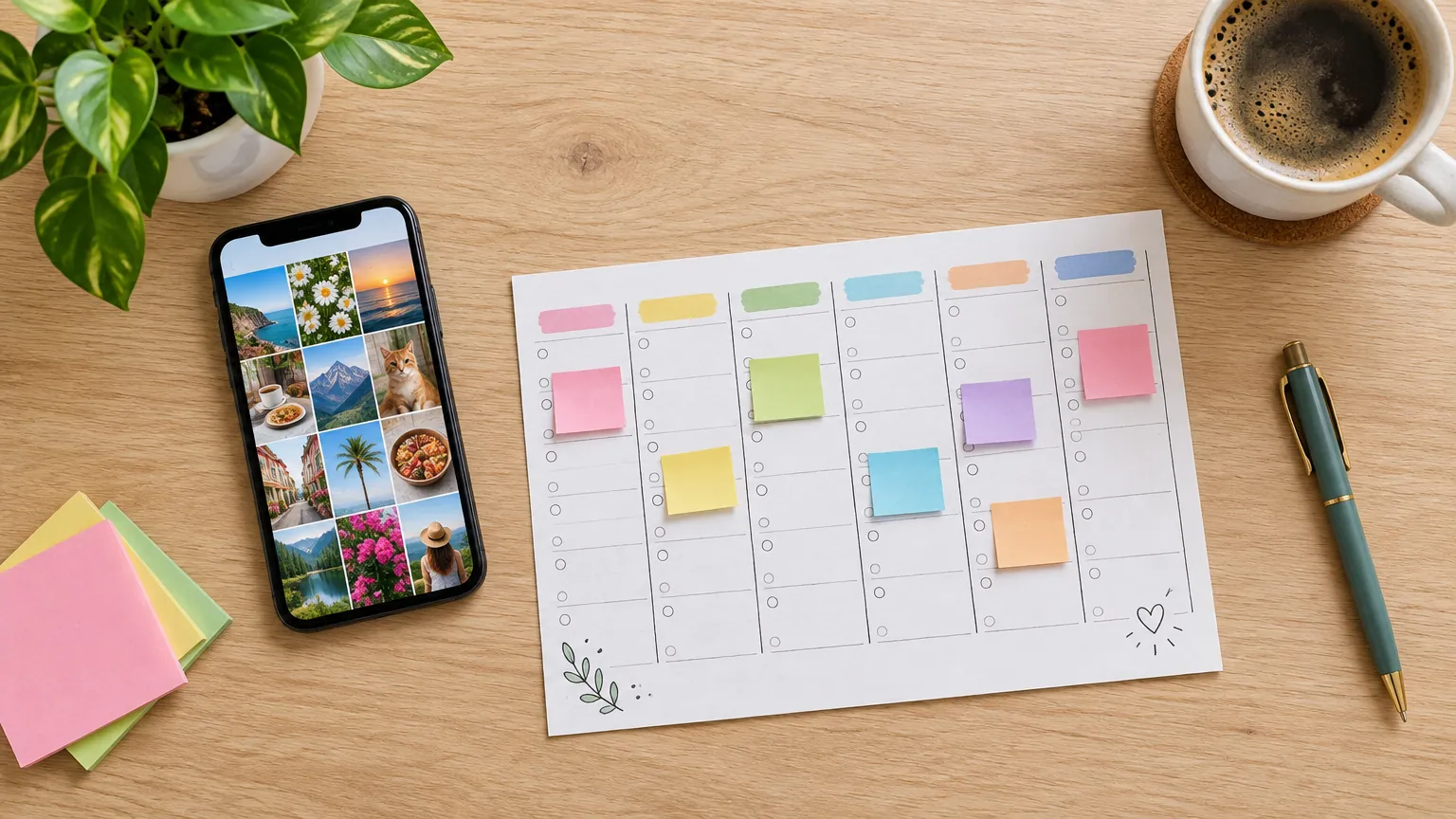
Keep a rhythm you can actually keep
Consistency matters more than volume. Three good posts every week for a year will do more than daily posting for a month followed by silence. Pick a number you can sustain in a busy week, not a quiet one.
Batch it
Set aside one block of time a week to plan and write the next week’s posts, then schedule them (here’s how to schedule posts on Facebook). Batching is faster than writing each post on the day, and it stops social media eating into every afternoon.
Plan around your calendar, not the internet’s
Your busy seasons, launches, holidays you are open on, local events — these are the dates that matter to your customers. Put them in the plan first, then fill the gaps with show, teach and prove posts.
Posting times
There is no universal best time. Each network shows you when your followers are online in its insights; start with the evenings and lunch hours most people check their phones, then let your own numbers decide after a month.
Answer people quickly
A question in the comments or a direct message is often someone one step away from booking or buying. A reply the same day keeps them; a reply three days later usually arrives after they have gone elsewhere.
- Reply to every comment in the first hour after you post if you can. It is good manners, and the networks show active posts to more people.
- Keep saved replies for the questions you get every week — prices, hours, parking, availability — so answering takes seconds.
- Move serious inquiries forward: a booking link, a phone number, or a time to talk. Then note where the lead came from, so you know which network is earning its keep.
- Handle complaints in public, calmly, then take the detail to a private message. Every future customer reads how you replied.

Use paid posts carefully
Organic posts keep your existing audience warm. Paid posts reach people who have never heard of you. Both have a place, but paying to promote a weak post only spends money faster.
Boost what already works
If you do pay, promote a post that already did well with your followers. It has proved it is interesting; the money just shows it to more of the right people.
Prefer Ads Manager to the Boost button
For Facebook and Instagram, Meta’s Ads Manager gives you far more control than the Boost button: a clear goal (messages, calls, website visits or leads), a tighter audience by area and interest, and better reporting. Start with a small daily budget, run it for at least a week, and judge it on inquiries, not likes.
Measure what moves the business
Every network has free insights. Look at them once a month, on the same day, and compare like with like. Daily checking mostly produces worry.
Four numbers worth watching
- Reach — how many people saw your posts. The first thing to grow.
- Saves and shares — the strongest sign a post was useful, and how new people find you.
- Profile actions — taps on your website, call, directions or message buttons.
- Leads and sales you can trace back — the number that justifies the time. Ask “where did you hear about us?” and write the answer down.
Then do more of what worked. If teaching posts get saved and showing posts bring messages, your plan for next month just wrote itself.
A simple weekly plan you can copy
Three posts a week across two networks, plus daily replies. Change the days to suit your business; keep the mix.
| Day | Do this | Why it matters |
|---|---|---|
| Monday | Plan and schedule the week’s posts in one sitting | Batching is faster and stops social eating every afternoon |
| Tuesday | Show: what you made, sold or did this week | The easiest post to make and the most useful to a buyer |
| Every day | Reply to every comment and message | Questions are customers one step from booking |
| Thursday | Teach: one tip your customers wish they knew | Useful posts get saved and shared to new people |
| Saturday | Prove: a review, a result, or a before-and-after | Proof turns interest into an inquiry |
| Once a month | Check reach, saves, profile actions and leads | Do more of what brought customers, less of what did not |
How often should a business post on social media?
As often as you can keep up every single week — for most businesses that is three to five posts a week on each of two networks, plus Stories when there is something happening. A smaller schedule kept for a year beats an ambitious one dropped after a month.
If you only have time for one thing, make it replies. A business that posts twice a week but answers every message the same day will usually win more customers than one that posts daily and leaves its inbox waiting.
Where software helps — and where it does not
No tool knows your customers, your best stories or your voice. That part is yours. What software does well is the repetitive work: holding a calendar, publishing on time to several networks at once, and gathering comments and messages into one place so nothing is missed.
HyperGL does exactly that for Facebook, Instagram, LinkedIn and TikTok: plan a month on one calendar, write captions with AI help, schedule posts for the times you choose, and answer comments and messages from one inbox — with an approval step if someone else signs off before anything goes out.
Social media for businesses, answered
Keep reading
Run your ads, posts and leads in one place
14-day free trial. Cancel anytime during the trial.
Start free trialPlan it once. Post it everywhere.
HyperGL puts your posts, captions, schedule and messages for Facebook, Instagram, LinkedIn and TikTok in one place — with approvals when you need them.